NVIDIAGPU_04
AI Compute Workbench / 01
MAP THE COMPUTEBEHIND THE MODEL.
Plan model memory, compare GPU configurations, and understand the infrastructure required to run modern AI workloads.
- Model presets
- 24
- GPU profiles
- 15
- Estimates
- Live
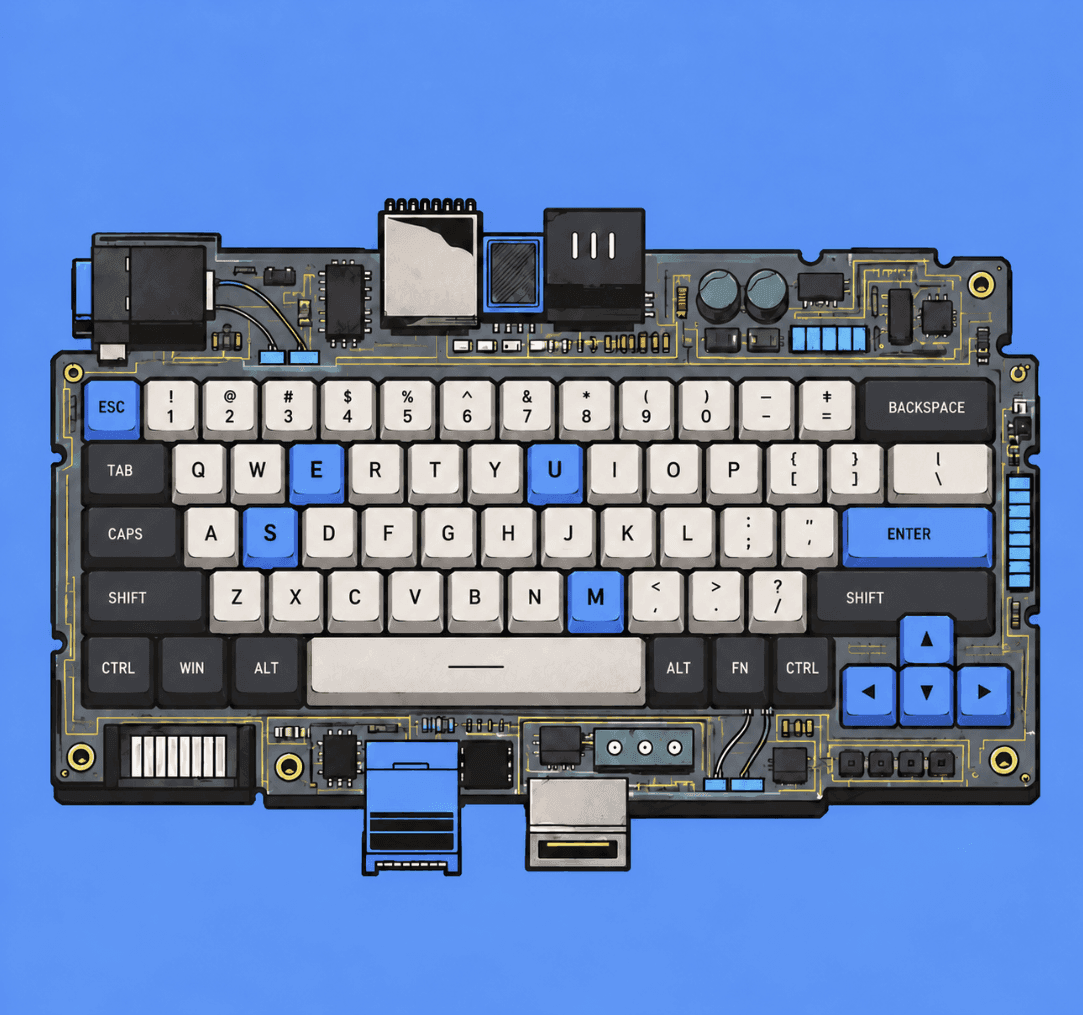
NODE_01MUSEBOARD / REV.A
02Compute workbench
BUILD YOUR COMPUTE STACK
Start with the model. MuseBoard maps the memory and hardware.
Workbench / Online
Model / Llama 70BMode / EstimateUnits / GB (10⁹ B)
B / Estimated VRAM
Inference41.5GB
Serving: weights + KV cache + runtime overhead. Estimate — not a guarantee.
- Model weights35.3 GB
- KV cache2.7 GB
- Runtime overhead3.5 GB
Memory headroom
6.5 GB
Free after estimated load
Utilization
86%
Target ≤ 90% of 48.0 GB
Decode ceiling
~27 tok/s
Theoretical, batch 1, bandwidth-bound
VRAM usage
41.5 GB / 48.0 GB
0 GB48 GB
Recommended configuration
1 × NVIDIA RTX 6000 Ada 48GB
- Total VRAM
- 48.0 GB
- Topology
- Single GPU
- Interconnect
- PCIe 4.0
- Board power
- 300 W
Compatibility / 1 × RTX 6000 Ada
- Ready
Inference
41.5 GB · 86% of 1 × RTX 6000 Ada
- Limited
Fine-tuning
64.0 GB · Needs 2 × RTX 6000 Ada
- Cluster
Training
1,262 GB · Needs 32 GPUs — exceeds one workstation node
Alternative configurations
03Model memory explorer
MEMORY BEFORE HARDWARE.
Slide from 1B to 405B parameters and watch the footprint cross each GPU capacity tier.
Memory / Explorer
MEM / 140GB
70B
1Blog scale405B
Precision
Weights only
≈140.0GB
70B × 2 B = 140.0 GB
+10% runtime → 154.0 GB
Memory footprint
1 segment = 4 GB
0 GBSingle-GPU scale (GB)256 GB
GPU fit
3/15 fit on one GPU · ≥10% headroom
- L424 GB8×
- A1024 GB8×
- RTX 309024 GB8×
- RTX 409024 GB8×
- RTX 509032 GB8×
- A100 40GB40 GB8×
- L40S48 GB4×
- RTX 6000 Ada48 GB4×
- A100 80GB80 GB4×
- H100 SXM80 GB4×
- H100 NVL94 GB2×
- H200141 GB2×
- MI300X192 GB1× FIT
- B200192 GB1× FIT
- MI325X256 GB1× FIT
04GPU explorer
KNOW YOUR HARDWARE.
Capacity, bandwidth and class for the accelerators most AI teams actually plan around.
Class
Sort
Showing 15 GPUs
- NVIDIAGPU_05
- NVIDIAGPU_01
- NVIDIAGPU_02
- NVIDIAGPU_03
- NVIDIAGPU_08
- NVIDIAGPU_07
- NVIDIAGPU_06
- NVIDIAGPU_09
- NVIDIAGPU_10
- NVIDIAGPU_11
- NVIDIAGPU_12
- AMDGPU_14
- NVIDIAGPU_13
- AMDGPU_15
05GPU compare
COMPARE COMPUTE.
Put up to three GPUs side by side and check how a real model fits on each.
Compare / Up to 3 GPUs
3 selected
Precision
Workload
Model fit uses an estimated 158.0 GB at 8K context, batch 1. Blue marks the strongest value in a row — suitability depends on your workload, so there is no universal “best GPU”.
| Spec | NVIDIARTX 4090 | NVIDIAH100 SXM | NVIDIAH200 |
|---|---|---|---|
| VRAM | 24 GB | 80 GB | 141 GB |
| Memory type | GDDR6X | HBM3 | HBM3e |
| Memory bandwidth | 1.01 TB/s | 3.35 TB/s | 4.8 TB/s |
| GPU class | Consumer | Datacenter | Datacenter |
| Architecture | Ada Lovelace | Hopper | Hopper |
| Workload type | InferenceFine-tuningTraining | InferenceFine-tuningTraining | InferenceFine-tuningTraining |
| Model fit · Llama 70B FP16 | 8 × RTX 409034.0 GB headroom | 4 × H100 SXM162.0 GB headroom | 2 × H200124.0 GB headroom |
| Power | 450 W | 700 W | 700 W |
| Interconnect | PCIe 4.0 | NVLink 4 · 900 GB/s | NVLink 4 · 900 GB/s |
| Typical use | Developer workstation inference and small-model fine-tuning | Large-scale training and high-throughput serving | Memory-heavy inference and long-context workloads |
NVIDIA
RTX 4090- VRAM
- 24 GB
- Memory type
- GDDR6X
- Memory bandwidth
- 1.01 TB/s
- GPU class
- Consumer
- Architecture
- Ada Lovelace
- Workload type
- InferenceFine-tuningTraining
- Model fit · Llama 70B FP16
- 8 × RTX 409034.0 GB headroom
- Power
- 450 W
- Interconnect
- PCIe 4.0
- Typical use
- Developer workstation inference and small-model fine-tuning
NVIDIA
H100 SXM- VRAM
- 80 GB
- Memory type
- HBM3
- Memory bandwidth
- 3.35 TB/s
- GPU class
- Datacenter
- Architecture
- Hopper
- Workload type
- InferenceFine-tuningTraining
- Model fit · Llama 70B FP16
- 4 × H100 SXM162.0 GB headroom
- Power
- 700 W
- Interconnect
- NVLink 4 · 900 GB/s
- Typical use
- Large-scale training and high-throughput serving
NVIDIA
H200- VRAM
- 141 GB
- Memory type
- HBM3e
- Memory bandwidth
- 4.8 TB/s
- GPU class
- Datacenter
- Architecture
- Hopper
- Workload type
- InferenceFine-tuningTraining
- Model fit · Llama 70B FP16
- 2 × H200124.0 GB headroom
- Power
- 700 W
- Interconnect
- NVLink 4 · 900 GB/s
- Typical use
- Memory-heavy inference and long-context workloads
06Compute matrix
MODEL × HARDWARE
Reference footprints across precisions, with the smallest configuration that keeps 10% headroom.
Matrix / Model × Hardware
CTX / 8K · BATCH / 1
Estimated inference VRAM (weights + KV cache + overhead) at 8K context, batch 1.
Suggest for
Llama 3.1 8B
8.03B- FP16
- 18.7 GB
- INT8
- 9.9 GB
- INT4
- 5.5 GB
GPU / 1 × RTX 4090
Workbench →Llama 3.1 70B
70.6B- FP16
- 158.0 GB
- INT8
- 80.3 GB
- INT4
- 41.5 GB
GPU / 1 × B200
Workbench →Qwen2.5 14B
14.7B- FP16
- 34.0 GB
- INT8
- 17.8 GB
- INT4
- 9.7 GB
GPU / 1 × A100 40GB
Workbench →Qwen2.5 32B
32.5B- FP16
- 73.6 GB
- INT8
- 37.9 GB
- INT4
- 20.0 GB
GPU / 1 × H100 NVL
Workbench →Qwen2.5 72B
72.7B- FP16
- 162.6 GB
- INT8
- 82.7 GB
- INT4
- 42.7 GB
GPU / 1 × B200
Workbench →Mistral 7B
7.25B- FP16
- 17.0 GB
- INT8
- 9.0 GB
- INT4
- 5.1 GB
GPU / 1 × RTX 4090
Workbench →Mixtral 8x7B
46.7B- FP16
- 103.8 GB
- INT8
- 52.4 GB
- INT4
- 26.8 GB
GPU / 1 × H200
Workbench →DeepSeek V3 671B
671B- FP16
- 1,477 GB
- INT8
- 738.7 GB
- INT4
- 369.6 GB
GPU / 8 × MI325X
Workbench →Custom
- FP16
- 45.8 GB
- INT8
- 23.8 GB
- INT4
- 12.8 GB
GPU / 1 × H100 SXM
Workbench →
07Workload modes
ONE MODEL, THREE WORKLOADS.
- 01SERVE / READY
Inference
Estimate memory requirements for serving models.
weights + KV cache + overhead
Open in workbench - 02ADAPT / LORA
Fine-tuning
Explore memory requirements for adapting existing models.
frozen base + adapters + activations
Open in workbench - 03TRAIN / ADAM
Training
Understand large-scale compute requirements.
weights + grads + optimizer + activations
Open in workbench
MuseBoard gives first-order estimates for planning conversations. It does not replace profiling, capacity testing or detailed ML infrastructure planning.
08 — Origin
FROM KEYSTROKE
TO COMPUTE.
Every model begins as an idea.
Every idea eventually needs hardware.
MUSEBOARD connects the two.
- 01InputKEY / 01
- 02ModelPARAMS / B
- 03MemoryMEM / GB
- 04GPUHW / MATCH
- 05ComputeSYS / READY
SYS / READY
DON'T GUESS
YOUR COMPUTE.
MAP IT.
Launch WorkbenchInteractive compute planning for AI builders.